
User manual for the Top Instrument SZ-3 soil hardness meter with operation, safety, and technical specifications.
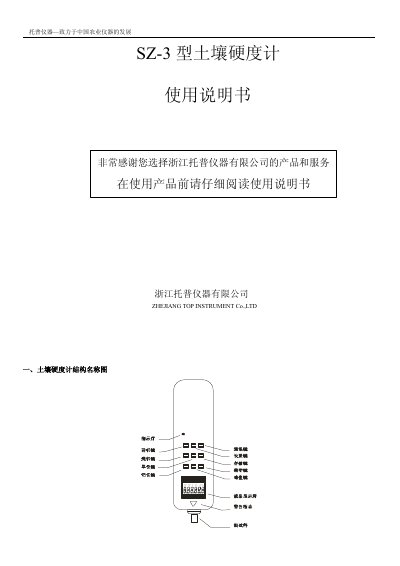
This manual provides detailed instructions for using the Top Instrument SZ-3 soil hardness meter, covering safety precautions, button functions, display information, and data handling. It also includes calibration procedures and guidance for connecting the device to a computer for data export and printing.
The document lists the technical parameters of the instrument, such as measurement range, depth, storage capacity, power requirements, and environmental limits, helping users understand the capabilities and proper operating conditions of the meter. This manual is written in Chinese.
| Display method | Chinese LCD with backlight |
|---|---|
| Measurement range | 0 ~ 500 N/cm² (kg, Newton, pound units auto‑convert) |
| Measurement depth | 0 – 450 mm |
| Storage capacity | 896 test values |
| Power supply | Rechargeable 220 V AC, 5 Ni‑Cd battery pack |
| Battery continuous work time | 6 – 8 hours |
| Resolution | 1 N per step |
| Temperature drift | 0.2 µV/°C (0‑60 °C) |
| Zero drift | ≤ 0.1 % / 8 h / FS |
| Operating temperature | 0 °C – +60 °C |
| Operating humidity | ≤ 80 % |
| Allowed overload | 150 % |
| Charging time | 8 – 12 hours |
The instrument can store up to 896 test values.
When “PEAK” is shown, the meter is in peak‑hold mode and keeps the peak value on the screen until manually cleared.
The automatic shutdown timer can be set from 10 minutes up to 90 minutes, or disabled entirely.
The screen shows a warning indicating insufficient voltage and the device must be recharged, though testing can continue while charging.