
Step‑by‑step guide for assembling, testing and operating the ElfClock accessory board for the 1802 Elf Membership Card.
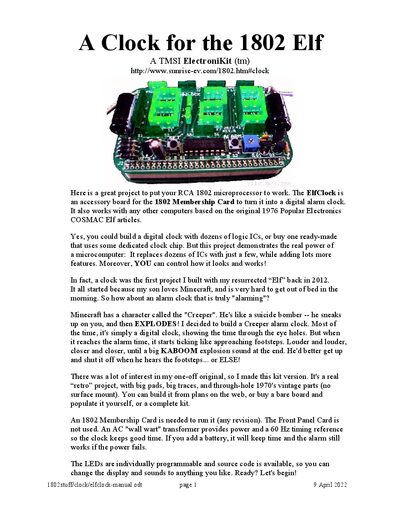
The ElfClock is an accessory board that turns an RCA 1802 Membership Card into a digital alarm clock with a Creeper‑themed alarm. The manual provides a parts list, detailed assembly instructions, wiring, testing procedures, and operation tips, including battery backup and optional case construction.
The guide covers everything from locating the correct transformer (5‑8 VAC) and installing LEDs, resistors, capacitors, and ICs, to configuring the clock speed, loading the EPROM, and setting the time and alarm. It also includes troubleshooting steps and a pattern for building a custom Creeper case.
| Power supply | 5‑8 VAC transformer (not supplied) |
|---|---|
| LEDs supplied | 48 red LEDs, 14 green LEDs |
| Battery backup | Four AA cells with holder |
| Clock speed | 1.8 MHz |
| EPROM | 27C64 EPROM marked MCCLOCK |
Press and hold the left SET button; the clock will tick as minutes count up, then hours, until the desired time is displayed. Release the button when finished.