
Key facts
- Manuals
- 1
- Languages
- EN
- Last added
- 2026-09-29
Featured TMSI ElectroniKit manuals
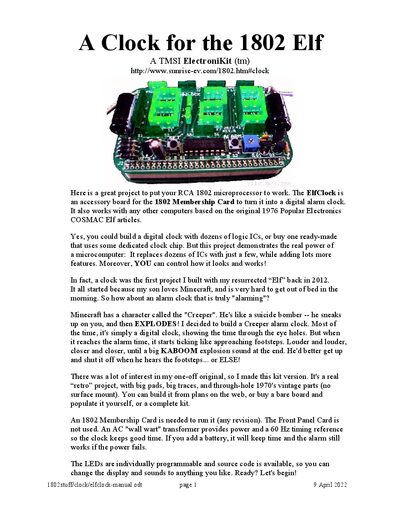
TMSI ElectroniKit ElfClock User Manual
The ElfClock is an accessory board that turns an RCA 1802 Membership Card into a digital alarm clock with a Creeper‑themed alarm. The manual provides a parts list, detailed assembly instructions, wiring, testing procedures, and operation tips, including battery backup and optional case construction.
The guide covers everything from locating the correct transformer (5‑8 VAC) and installing LEDs, resistors, capacitors, and ICs, to configuring the clock speed, loading the EPROM, and setting the time and alarm. It also includes troubleshooting steps and a pattern for building a custom Creeper case.
Covers: Introduction · Parts List · Assembly Instructions · Testing Procedure · Operation · Battery Backup
Latest TMSI ElectroniKit manuals
TMSI ElectroniKit ElfClock User Manual
User Manual 8 pages · 563 KB · ENStep‑by‑step guide for assembling, testing and operating the ElfClock accessory board for the 1802 Elf Membership Card.
Which document do I need?
User Manual
Day-to-day operation, settings and troubleshooting. Start here if the product is already set up.
Questions answered in TMSI ElectroniKit manuals
How do you set the time on the ElfClock?
Press and hold the left SET button; the clock will tick as minutes count up, then hours, until the desired time is displayed. Release the button when finished.