
Quick start guide for the TimeTec DL-30B smart lock, covering app setup, account registration, and manual keypad commands.
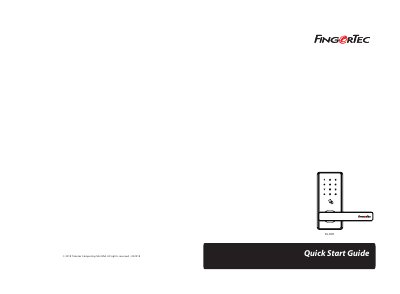
The TimeTec DL-30B is a smart lock that can be managed via the TimeTec Security App or through manual keypad commands. The device features a touch keypad, card detection area, and a mechanical key hole for access.
Users can manage the lock by registering an account through an administrator and using the app to unlock doors. For those not using the app, the lock supports manual registration of admins and users, as well as volume control and lock management via specific keypad sequences.
Touch the keypad to power on the smart lock.
Touch keypad to power on the smart lock.
The password is a 6-digit number like 124890.
The lock owner or the initial person who handles the lock is the Admin.