
User manual for the Thrane & Thrane EXPLORER 527 BGAN satellite terminal, covering setup, interfaces, web interface, maintenance, specifications, and AT…
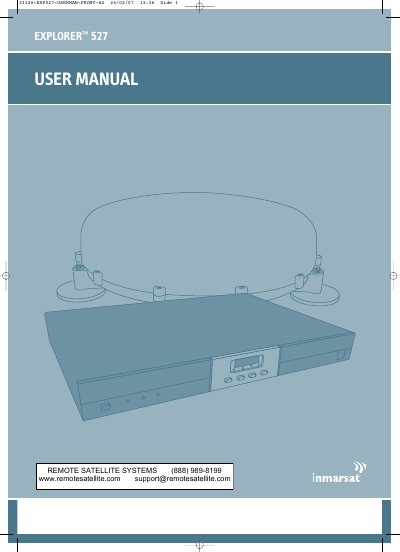
The EXPLORER 527 is a land-vehicular rack-mountable terminal with a tracking antenna that provides high-speed data and voice communication via satellite through the Broadband Global Area Network (BGAN). The manual is intended for anyone who is using or intends to use the EXPLORER 527.
The manual covers the BGAN system and services, getting started with SIM card insertion, installation, antenna and cable connection, power-up and PIN entry, use of the display and keypad, interface setup, the built-in web interface, maintenance and troubleshooting, technical specifications, and AT commands. It is document TT 98-123789-D, release date 27 February 2007.
| Data rate | Up to 492 kbps |
|---|---|
| Network | Broadband Global Area Network (BGAN) |
| Mounting | Land-vehicular rack-mountable |
| Antenna | Rooftop tracking antenna |
| Antenna safety distance | Minimum 1 m to the side and above the antenna |
| Supported connections | Phone, fax or computer |
It is a land-vehicular rack-mountable terminal with a tracking antenna that provides data and voice communication via satellite through BGAN.
BGAN offers high-speed data up to 492 kbps and voice telephony.
Keep a minimum safety distance of 1 m to the side and above the antenna when the EXPLORER 527 is on.
You can plug in a phone, fax or computer; the manual also covers LAN and USB service interfaces.