
The Thermaltronics TMT‑ST10 manual explains setup, operation, software use, calibration and warranty for the solder tip tester.
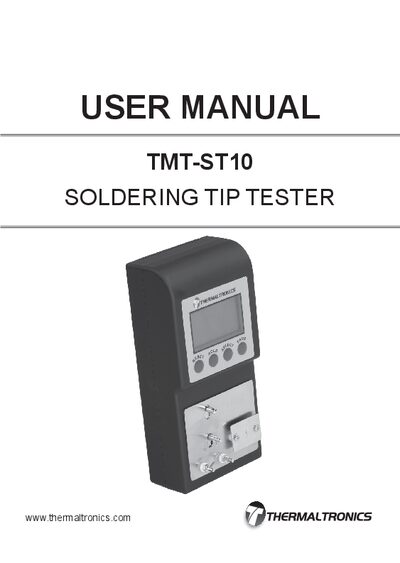
This user manual provides step‑by‑step instructions for unpacking, assembling, and operating the TMT‑ST10 solder tip tester, including how to measure tip temperature, resistance and leakage. It also describes the control panel functions, data storage, and software for downloading test results.
Additional sections cover system specifications, warranty terms, calibration procedures, ordering information for accessories, and contact details for support.
| Input Line Voltage | DC 9V |
|---|---|
| Temperature Test Range | 0°C – 600°C / 32°F – 1200°F |
| Temperature Resolution | 1ºC / 1ºF |
| Voltage Test Range | 0 – 100 mV (AC) |
| Resistance Test Range | 0 – 100 Ω |
| Thermal Sensor | K‑Type Thermocouple (ST‑SNSR‑1) |
| Size (W×H×D) | 85 mm × 175 mm × 48 mm |
| Weight | 0.35 kg |
The TMT‑ST10 solder tip tester has a 1‑year warranty, while the ground wires and mini USB cable have 30‑day warranties.
Press the "RESET" button while in Temperature mode to toggle the display between °C and °F.