
Terasic quick start guide for the DE10-Nano based self-balancing robot kit: battery charging, switches and LEDs, basic operation, app control and…
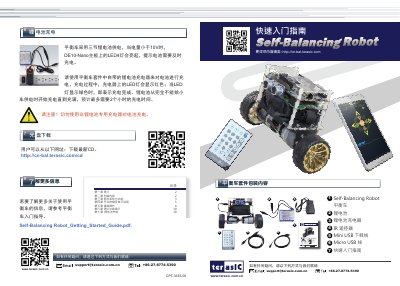
This quick start guide covers the Terasic self-balancing robot kit, a multi-function kit built on the Terasic DE10-Nano development board and made up of a driver board, an ultrasonic module and a lithium battery. It explains the kit contents, part names and functions, switch and LED indicator meanings, basic start-up, advanced demonstrations and lithium battery charging.
The guide shows how to power the car from the three-cell lithium battery, start it so the DE10-Nano LED7 lights and the car balances by itself, drive it with the IR remote or by Bluetooth through the BalCAR app on Android or iOS, and use the SW0/SW1 switch settings for the follow and obstacle-avoidance functions. This manual is written in Chinese.
| Power supply | Three lithium batteries |
|---|---|
| Low battery indication | Below 10 V the LED4 on the DE10-Nano board lights |
| Charging time | Up to about 2 hours for a full charge |
| Obstacle detection range | Obstacles within 10 cm in front of the car |
| Follow range | Objects moving slowly between 10 cm and 20 cm |
| Platform | Terasic DE10-Nano development board |
The charger LED shows red while charging and turns green when charging is complete.
From a completely empty battery to full, charging takes at most about 2 hours.
Set switch SW1 on the driver board to ON while holding the car level on a flat surface; once LED7 on the DE10-Nano board lights, release the car and it balances by itself.
Android users install the BalCAR.apk app by scanning the QR code, iPhone users search for Bal_car on the Apple Store, and both control the car over Bluetooth.