
This manual explains features, installation, settings, operation and troubleshooting for the Tentel K-761 and K-762 multi‑function caller ID phones.
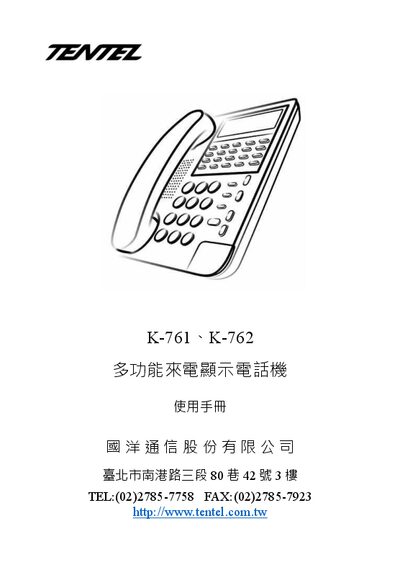
The K-761 and K-762 are multi‑function caller ID telephones with up to 100 stored call logs, 40 outgoing numbers, 20 programmable keys, a three‑line LCD that shows a 12‑digit number, time, date, call count and messages, and adjustable contrast and volume levels.
The manual provides step‑by‑step instructions for installing the handset, configuring date, time, area and external line codes, adjusting LCD contrast, enabling Do‑Not‑Disturb or VIP modes, using memory dialing, call hold, and troubleshooting common problems such as no sound or ringing issues. This manual is written in Chinese.
| Call log capacity | 100 entries |
|---|---|
| Outgoing number memory | 40 numbers |
| Programmable function keys | 20 keys |
| Volume adjustment steps | 4 levels |
Hold the "設定" key for 4 seconds, press "6", then use the up/down keys to select a contrast level from 1 (darkest) to 5 (brightest) and confirm with "設定".