
Key facts
- Manuals
- 4
- Models
- 1
- Categories
- 2
- Languages
- ZH
- Last added
- 2026-09-28
Tentel models by category
Featured Tentel manuals
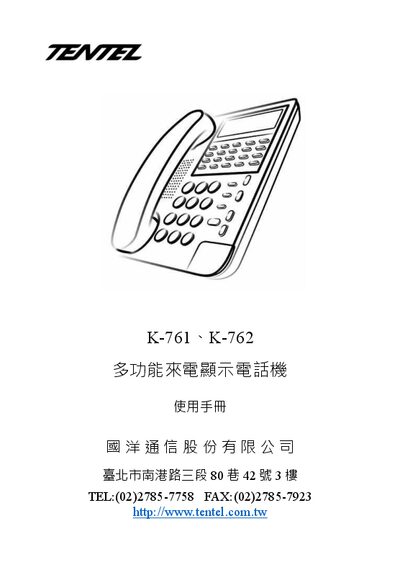
Tentel K-761 / K-762 Multi-function Caller ID Telephone User Manual
The K-761 and K-762 are multi‑function caller ID telephones with up to 100 stored call logs, 40 outgoing numbers, 20 programmable keys, a three‑line LCD that shows a 12‑digit number, time, date, call count and messages, and adjustable contrast and volume levels.
The manual provides step‑by‑step instructions for installing the handset, configuring date, time, area and external line codes, adjusting LCD contrast, enabling Do‑Not‑Disturb or VIP modes, using memory dialing, call hold, and troubleshooting common problems such as no sound or ringing issues. This manual is written in Chinese.
Covers: Features · Accessories · Installation Instructions · Settings · LCD Contrast Adjustment · Do Not Disturb (DND) Mode
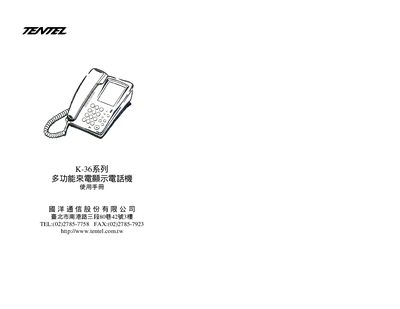
Tentel K-36 Caller ID Display User Manual
The K‑36 is a multi‑function Caller ID display that shows incoming call information and electrical call status. It includes an LCD panel, DTMF/FSK signal processing, and configurable settings for various telephone line types.
This manual covers safety precautions, installation steps, LCD configuration, DTMF and FSK operation, and troubleshooting. It also lists the technical specifications and regulatory compliance information such as ISO‑9001 certification. This manual is written in Chinese.
Covers: Product Overview · Installation · Operation · LCD Settings · DTMF / FSK Functions · Technical Specifications
Latest Tentel manuals
Tentel K-761 / K-762 Multi-function Caller ID Telephone User Manual
User Manual 13 pages · 996 KB · ZHThis manual explains features, installation, settings, operation and troubleshooting for the Tentel K-761 and K-762 multi‑function caller ID phones.
TENTEL K-322A multi-function telephone Can User Manual
TENTEL K-362 multi-function Caller ID Show Electricity call Manual
Tentel K-36 Caller ID Display User Manual
User Manual 7 pages · 235 KB · ZHThe Tentel K-36 Caller ID display manual provides installation, operation, and technical specifications for the multi‑function unit.
Which document do I need?
User Manual
Day-to-day operation, settings and troubleshooting. Start here if the product is already set up.
Questions answered in Tentel manuals
How do I adjust the LCD contrast?
Hold the "設定" key for 4 seconds, press "6", then use the up/down keys to select a contrast level from 1 (darkest) to 5 (brightest) and confirm with "設定".
From: Tentel K-761 / K-762 Multi-function Caller ID Telephone User Manual
How do I set the caller ID display code?
Enter the code using the SET command, for example SET 1234567.
Which signaling methods does the K‑36 support?
The device supports both DTMF and FSK signaling.