
This manual provides operating instructions for the Tencent Meeting Fudan Edition on Mac OS, covering installation, login via school authentication, and…
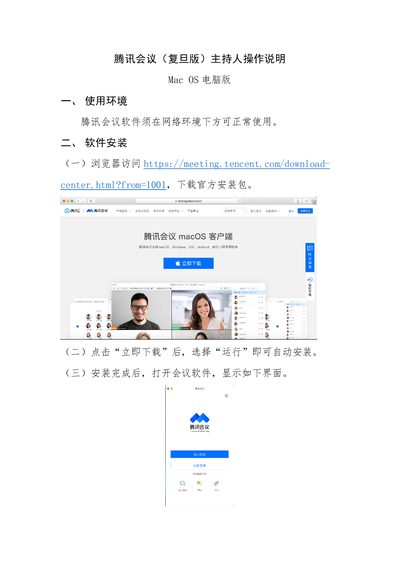
This document serves as a user guide for the Tencent Meeting (Fudan Edition) software running on Mac OS computers. It details the requirements for network usage and explains how to download and install the official application package from the browser.
The guide covers the specific login process using the school's unified identity authentication system, including entering the enterprise domain 'fudan'. It also provides step-by-step instructions for meeting controls such as managing audio/video, setting security features like waiting rooms, and sharing screen content with sound. This manual is written in Chinese.
The software requires a network environment to operate normally.
You must click 'SSO' and select 'I know enterprise domain name', then enter 'fudan' in the domain field.
Click 'Share Screen', select the content, and click 'Confirm Share' to begin.