
This guide explains how to install, log in, join, control, and exit Tencent Meeting on various devices.
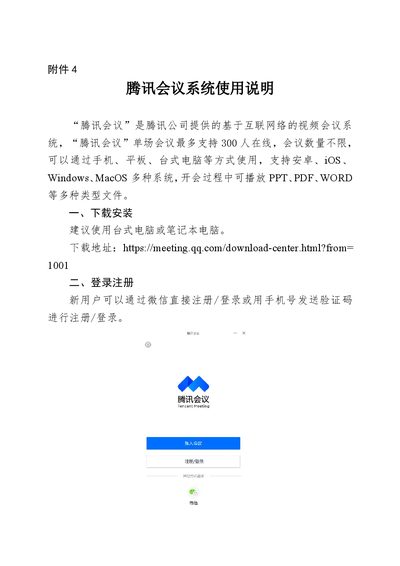
Tencent Meeting is a video‑conference service provided by Tencent that works on Android, iOS, Windows, and macOS devices. A single meeting can host up to 300 participants and supports sharing of PPT, PDF, Word and other file types.
The manual covers installation, account registration, joining meetings, using meeting controls such as mute, video, screen sharing, participant management, chat, and document editing, and finally how to end a meeting. This manual is written in Chinese.
| Maximum participants per meeting | 300 |
|---|---|
| Supported operating systems | Android, iOS, Windows, macOS |
Enter the 9‑digit meeting ID on the Join Meeting screen and click to join.
Select “电脑音频” to use the computer’s microphone and speakers for audio.
The host selects “结束会议” to remove all participants and close the meeting.