
Temperzone UC6 Controllers pCOWeb Card Installation & Configuration Guide

Step-by-step guide for installing and configuring a Carel pCoWEb module on Temperzone UC6 controllers, including PC setup, BACnet configuration, and web access.
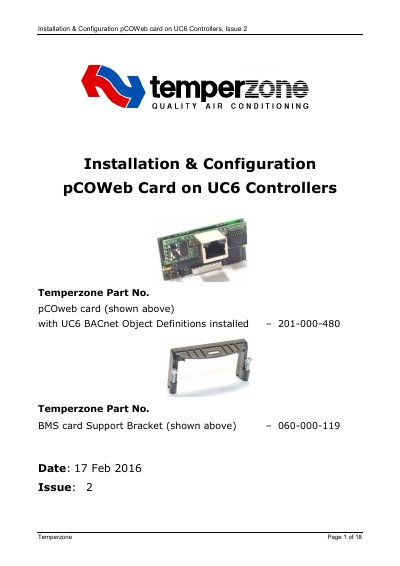

Temperzone UC6 Controllers pCOWeb Card Installation & Configuration Guide - cover page
Brand
TemperZone
Category
Industrial Robot
Document type
Installation Guide
Language
English
Pages
18
File format
PDF
File size
3.8 MB
Published
04 November, 2026
Updated
04 November, 2026
MD5 checksum
144C2B194C84126E1D2DC27BB3852366

About this manual

This guide explains how to install and configure a Carel pCoWEb module with Temperzone’s UC6 Controller. It covers PC network setup, UC6 software requirements, physical installation of the card, web access configuration, and BACnet setup using the BACset program. The document includes detailed steps for activating default settings and testing the configuration.

The guide assumes the user has a Windows PC and a UC6 controller with a BMS connector. It provides specific IP address settings, BMS communication parameters, and instructions for uploading BACnet object definitions.

What's inside

  • Introduction
  • UC6 Software Requirements
  • PC Configuration and Connection
  • UC6 Configuration
  • Installation and Activation of pCOWeb Card
  • Accessing pCoWeb Web Pages and Clock Configuration
  • BACnet Configuration and Testing

Frequently asked questions

What is the required UC6 software version for this installation?

The UC6 software version should be 6.2 or higher.

What IP address must be set on the PC for connection?

IP address: 172.16.0.2

What is the Baud rate setting for the BMS configuration?

Carel Baud rate: 19200

What file must be uploaded during BACnet configuration?

BACNet_UC6_v62.csv

Download PDF (3.8 MB)

More TemperZone Manuals


View all TemperZone manuals →