
SAT-2 Thermostat user's operating instructions, this thermostat can be used to adjust air conditioner temperature, support cool, heat, dehumidification, auto, sleep, swing and other modes
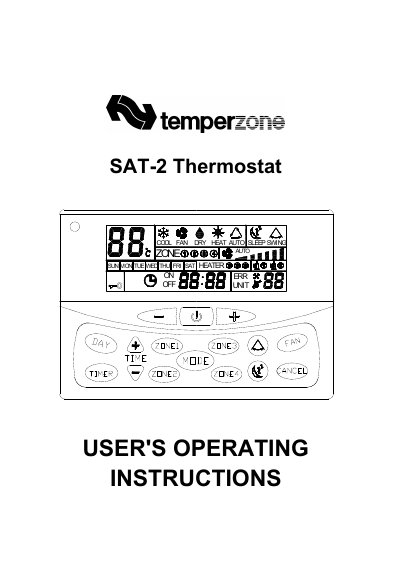
This manual provides operating instructions for the Temperzone SAT-2 wall thermostat designed to maintain room comfort. It details how to use the device's various modes including Cool, Heat, Fan, and Auto, as well as fan speed adjustments and sleep functions.
The guide explains advanced features such as 7-day programmable timers, bypass operations for immediate start-up, key lock protection, and zone control options. It also covers display indicators like backlight colors and error codes to assist with troubleshooting.
| Temperature setting range | 16ºC to 30ºC |
|---|---|
| Timer programming capability | 7 days programmable (Start/Stop) |
The backlight color indicates the operating mode: Blue for Cool, Yellow for Fan, Reddish orange for Heat, and Light violet for Auto.
Hold down the On/Off button for 3 seconds until 'H' appears, then press the button to select operation duration (1, 2, or 4 hours).
Yes, in non-timer set mode, hold down the CANCEL key for 5 seconds to cancel all on or off timers.