
Telestream ScreenFlow is a powerful video editing and screen recording software for Mac that supports simultaneous screen, camera, and microphone recording.
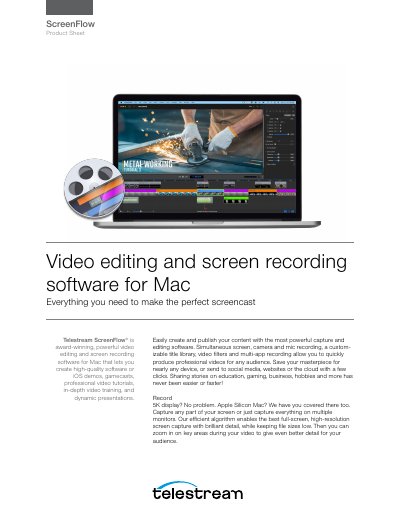
Telestream ScreenFlow is award-winning software designed for creating high-quality software demos, gamecasts, tutorials, and dynamic presentations on Mac. It allows users to simultaneously capture screen, camera, and microphone audio, supporting resolutions up to 5K and 8K editing. The software features a customizable title library, video filters, and multi-app recording capabilities to produce professional content for various audiences.
| Supported Operating Systems | macOS Monterey 12, macOS Big Sur 11, macOS Catalina 10.15 |
|---|---|
| Minimum RAM | 4 GB |
| Minimum Hard Drive Space | 20 GB |
| Processor Requirement | Apple Silicon + Intel-based Mac with 64-bit processor – Core i3+ recommended |
| Graphics Requirement | Apple macOS approved graphics card |
| Supported Languages | English, Japanese, French, Spanish, German |
ScreenFlow supports macOS Monterey 12, macOS Big Sur 11, and macOS Catalina 10.15.
Yes, you can record your iPhone, iPod or iPad screen right into ScreenFlow, all at the same time.
The minimum requirement is 4 GB RAM.
No, ScreenFlow does not support Hackintosh systems.