
This guide covers best practices for deploying Telestream Episode Engine, including single engine setups, cluster configurations, failover options, and…
This document provides best practices for deploying the Telestream Episode Engine, a server-based encoder designed for high-speed and high-quality compression. It guides users through various deployment scenarios, from single engine setups for smaller productions to larger cluster deployments for high-volume workflows. The guide details how to create settings in Episode and upload them to Episode Engine, and how to use Engine Admin to set up input monitors and manage jobs.
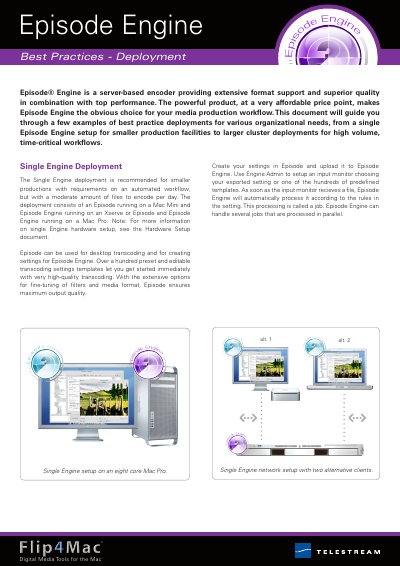
The deployment consists of an Episode running on a Mac Mini and Episode Engine running on an Xserve or Episode and Episode Engine running on a Mac Pro.
This feature divides long media input files into shorter pieces that are transcoded in parallel and the results are joined together in the output file.