
User manual for Teledyne DALSA's X64 Xcelera-CL PX4 frame grabber, covering installation, configuration, troubleshooting, and software integration for…
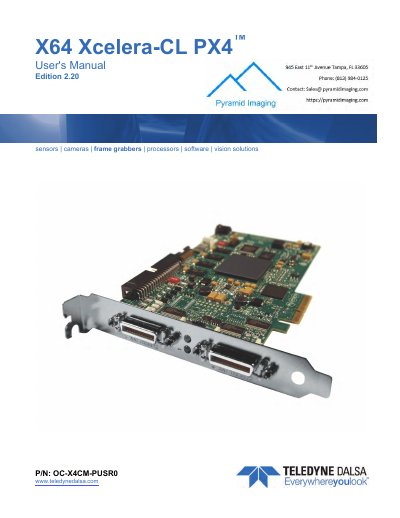
This document provides detailed instructions for installing, configuring, and troubleshooting the Teledyne DALSA X64 Xcelera-CL PX4 frame grabber. It covers software setup including Sapera LT and Sapera Processing Libraries, firmware updates, hardware connections, and troubleshooting common issues. The manual also includes technical specifications, connector details, and optional X-I/O module integration for expanded I/O capabilities.
The X64 Xcelera-CL PX4 is designed for machine vision applications and supports Camera Link interfaces, with features like ACUPlus acquisition control and DTE intelligent data transfer. It is compatible with Windows operating systems and requires specific drivers and software for optimal performance.
| Board Item Product Number | X64 Xcelera-CL PX4 Full with 128 MB of memory |
|---|---|
| Software Requirement | Sapera LT version 6.00 or later |
| Host System Requirement | Windows Embedded 7 |
Sapera LT version 6.00 or later (7.40 for Windows Vista, Windows 7, or Windows 8) is required but sold separately.
The X-I/O Module provides an additional 8 input and 8 output general I/Os for expanded connectivity.