
Genie Monochrome Series™ Camera User’s Manual Genie Framework 2.01 M640, M690, M1024, M1280, M1400, M1410, M1600 sensors | cameras | frame grabbers | processors | software | vision solutions
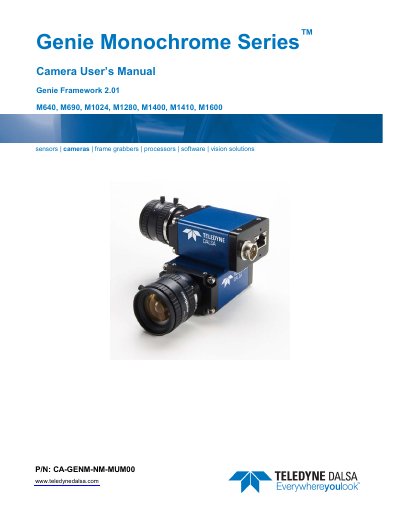
The Genie Monochrome Series is a family of affordable, easy-to-use digital cameras engineered for industrial imaging applications. These cameras combine standard gigabit Ethernet technology with the Teledyne DALSA Trigger-to-Image-Reliability (T2IR) framework to dependably capture and transfer images to a host PC. All models are supported by Teledyne DALSA Sapera™ LT software libraries featuring CamExpert for simplified camera set-up and configuration.
The document provides comprehensive instructions on installing the Genie Framework and Sapera LT library, connecting the camera via GigE network adapters, and optimizing network performance. It details operational reference for sensor controls, trigger modes, exposure controls, and synchronization timing, as well as troubleshooting common installation and communication issues.
| Supported Resolutions | 640 x 480, 1024 x 768, 1280 x 960, 1360 x 1024, 1600 x 1200 |
|---|---|
| Interface | Gigabit Ethernet (GigE) |
| Inputs | 2 opto-isolated inputs |
| Outputs | 2 opto-isolated outputs |
| Processing Features | Lookup table pre-processing, Real-time shading correction |
The Genie cameras are supported by Teledyne DALSA Sapera™ LT software libraries featuring CamExpert for simplified camera set-up and configuration.
Connection is made via standard CAT5e or CAT6 cables through a GigE network switch.
The input voltage is +11 to +25.2 Volts DC at 0.6 Amp minimum.