
This guide covers battery installation, probe connection, thermocouple setup, and using the TEGAM mobile app and Cloud for data logging.
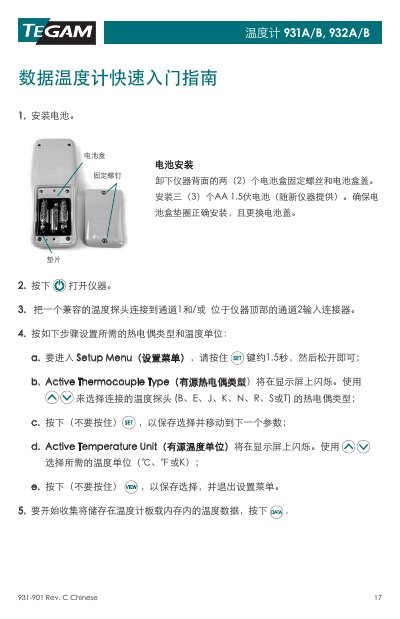
This document is a quick start guide for the TEGAM 931A/B and 932A/B data thermometers. It provides step-by-step instructions for installing batteries, connecting temperature probes, and configuring the device settings such as thermocouple type and temperature units. The guide also explains how to enter the setup menu to customize the instrument. This manual is written in Chinese.
The device supports B, E, J, K, N, R, S, or T thermocouple types.
Users can select Celsius (℃), Fahrenheit (℉), or Kelvin (K) as the temperature unit.
Press the button to start collecting data, which is stored in the thermometer's onboard memory.
The default automatic data collection interval is 10 seconds.