
TCL MOVETIME Smartwatch Quick Start Guide

Quick start guide for TCL MOVETIME Smartwatch covering power-on, charging, app download, and basic features.
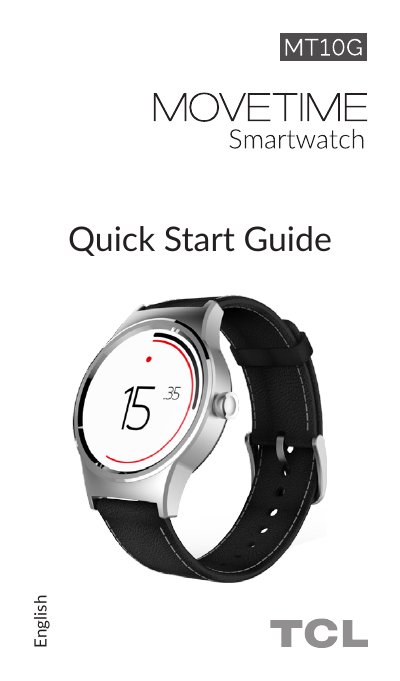

TCL MOVETIME Smartwatch Quick Start Guide - cover page
Brand
TCL
Document type
Quick Start Guide
Language
English
Pages
4
File format
PDF
File size
489 KB
Published
06 November, 2026
Updated
06 November, 2026
MD5 checksum
17788E1B5A636AD9E739B8A13D2D9F4C

About this manual

This guide helps you power on and charge your TCL MOVETIME Smartwatch. It explains how to download the companion app for Android and iOS devices. The watch tracks fitness, heart rate, sleep, and connects to your smartphone for calls, messages, and media control. It also supports Wi-Fi for weather and firmware updates.

What's inside

  • About your MOVETIME Smartwatch
  • Powering on your MOVETIME Smartwatch
  • Charging your MOVETIME Smartwatch
  • Downloading the application

Frequently asked questions

What activities can the MOVETIME Smartwatch track?

The watch can intelligently track fitness activities, calculate steps, calories burned, distance travelled, sleep patterns, and heart rate.

How do you power on the MOVETIME Smartwatch?

You must long press the Power key for 3 seconds to turn the device on.

What are the compatible operating systems for the MOVETIME Smartwatch?

The watch is compatible with Android 4.3 and above, as well as iOS 8 and iPhone 4s and above.

Download PDF (489 KB)

More TCL Manuals


View all TCL manuals →