
This user manual covers the installation, operation, and troubleshooting of the Tandberg Data RDX QuikStor 8785-RDX external and internal storage device.
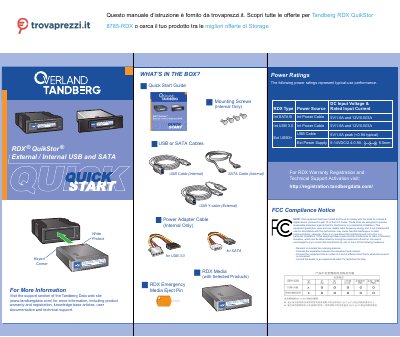
The document provides instructions for installing the RDX Utility software on Windows or Mac systems. It details how to connect the device using either an internal SATA interface or an external USB 3.0 interface, including specific notes on power requirements and cable connections.
A section is dedicated to updating the firmware via the Tandberg Data website. The manual also explains LED status indicators for media readiness, activity, faults, and power saving modes.
| Interface Types | USB and SATA |
|---|
A blinking green LED indicates that the drive is reading, writing, or seeking data.
The package includes a USB cable for internal use, an external power supply with a Y-cable, mounting screws for internal installation, and an RDX emergency media eject pin.
The device operates on a DC input of 5V at 1.6A and 12V at 0.003A.
A blinking green light means the RDX is currently reading, writing, or seeking data.