
User manual for the Suzhou Xinya Technology Y1 motor comprehensive protector, covering functions, settings, protection principles, and MODBUS communication.
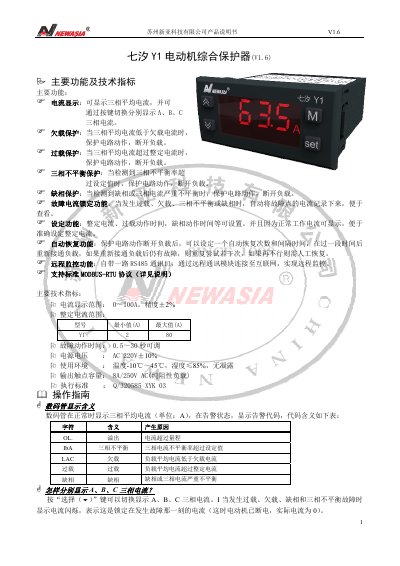
This manual describes the Suzhou Xinya Technology Y1 motor comprehensive protector, including current display, underload, overload, three-phase imbalance, phase-loss protection, fault current lock, settings, automatic recovery, and remote monitoring.
It also explains operating steps, parameter settings, basic working principles, and the MODBUS-RTU communication protocol for the controller. This manual is written in Chinese.
| Current display range | 0-100 A, accuracy ±2% |
|---|---|
| Fault action time | 0.5-30 seconds, adjustable |
| Power supply voltage | AC 220 V ±10% |
| Operating environment | Temperature -10 to 45 C, humidity up to 85%, no condensation |
| Output contact capacity | 8 A / 250 V AC (resistive load) |
| Communication interface | RS485 |
| Communication protocol | MODBUS-RTU |
Press the Select key to switch the display among A, B, and C phase currents.
Long-press the SET key for 2 seconds, use the up or down key to change the value, then press SET to exit.
Press the M key at any time to recover from the protection lock state; automatic recovery attempts can also be configured.
It indicates overflow because the current exceeds the measurement range.