
This manual explains the functions, technical specifications, operation steps, alarm codes and parameter settings for the NAW121 IoT control box used to…
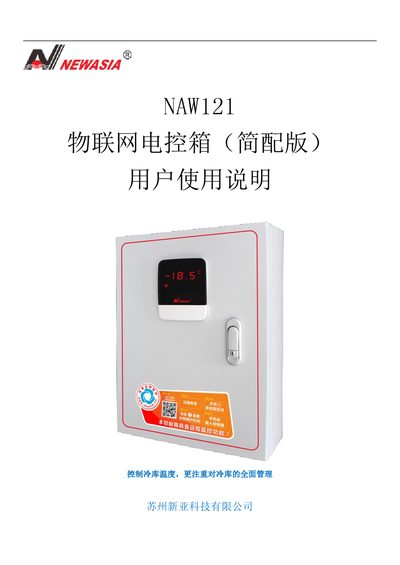
The NAW121 IoT Control Box provides temperature control for cold‑storage facilities, including compressor on/off control, defrost management, multiple protection functions, and remote monitoring features. It displays temperature, current, and system status on a digital panel and can send alarms and reports to a mobile app.
The manual details how to operate the panel, set temperature limits, configure defrost cycles, handle alarm codes, adjust advanced parameters, and wire the unit. It also describes the activation process for remote monitoring and the required connections for split‑panel installations. This manual is written in Chinese.
| Temperature display range | -45~120 ℃ |
|---|---|
| Temperature setting range | -40~115 ℃ |
| Current display range | 0~100 A |
| Current setting range | 0~80 A |
| Power supply voltage | Single‑phase AC 220 V / 50 Hz |
| Operating temperature range | -20~60 ℃ |
| Maximum humidity | ≤85 % (no condensation, no corrosion) |
| Output contact capacity | 5 A / 250 VAC |
| Temperature sensor type | NTC R25=5 kΩ |
Press the SET key to enter quick‑setting mode, use the ↑/↓ keys to select the parameter (on‑temperature, off‑temperature, defrost period or defrost duration), then adjust the value with the same keys and confirm with SET.
The controller provides one relay‑type output signal that can be connected to an external alarm device.
Scan the QR code on the box, download the remote‑monitoring client, enter the activation code, or set parameter F90 directly in the controller.