
Installation and usage guide for the Steelcase Roam mobile stand designed for Microsoft Surface Hub 2.
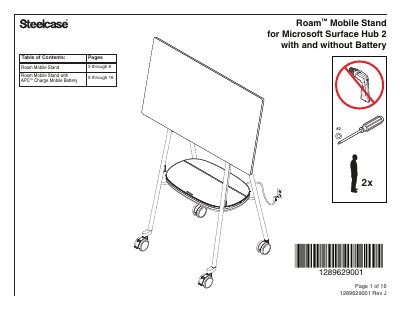
This document provides step-by-step instructions for assembling and installing the Steelcase Roam mobile stand for Microsoft Surface Hub 2. It includes diagrams and specifications for proper mounting and compatibility with the APC™ Charge Mobile battery. The guide also contains safety warnings, such as not over-tightening screws, to ensure safe and correct installation.
The document is intended for end users and technicians who need to set up the stand and integrate it with the Surface Hub 2 system. It covers both the stand alone and with battery configurations, including electrical specifications for the APC™ Charge Mobile battery.
| AC Input Voltage | 110-240V |
|---|---|
| DC Output Voltage | 24V |
| AC Input Current | 8A |
| DC Output Current | 16.2A |
The AC input voltage range is 110-240V.
The DC output voltage is 24V.
Do not over-tighten screws; the screw head should be flush with the outer surface.