
This manual provides instructions for operating the Starkey 2.4 GHz TV device to stream audio from electronic sources directly to wireless hearing aids.
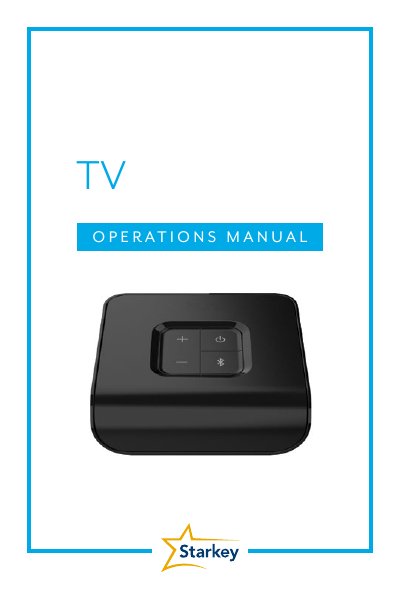
The Starkey 2.4 GHz TV device is designed to stream audio from electronic audio sources, such as televisions, computers, and MP3 players, directly to 2.4 GHz wireless hearing aids. It supports concurrent streaming to an unlimited number of users, allowing them to share the same listening experience. The device connects via Optical TOSLINK or 3.5 mm to RCA cables and is powered by a provided power adapter.
Open the Thrive Hearing Control app and select the option to Start Streaming from the TV device, or use the 2.4 GHz Remote if preconfigured.
A blinking blue LED indicates that the hearing aid pairing mode is active.
The typical operating range is up to 15 meters (~50 feet), though this may be reduced by environmental factors.