
This user guide explains how to set up, operate, and use the SPOT GEN3 satellite messenger for tracking, messaging, and emergency alerts.
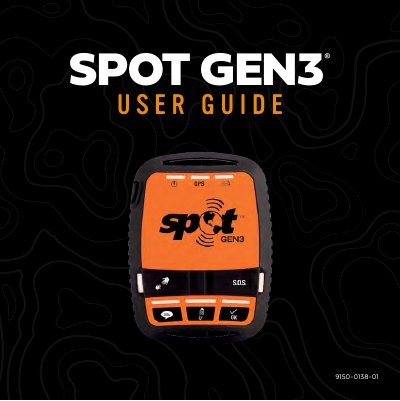
The SPOT GEN3 is a satellite-based messaging device designed for use in remote locations where cell phones are unavailable. It allows users to send pre-programmed messages, check in, and send emergency S.O.S. alerts with GPS coordinates to contacts or emergency response centers. The device communicates via a network of communication satellites and satellite antennas to deliver messages via email, text, or emergency notification.
| Power Source | 4 AAA Energizer Ultimate Lithium 8x batteries or 4 AAA NiMH rechargeable batteries |
|---|---|
| Alternative Power | Line Power with a 5v USB connection |
| Message Transmission | Email, text message, or emergency notification |
Press and hold the TRACK button followed by the POWER button for 3 seconds, then press and hold S.O.S. and HELP buttons, and finally press and hold CUSTOM Message and CHECK IN buttons.
The first message will be sent within one minute after activation with or without your GPS location, and subsequent messages will send every 5 minutes.
No, turning off your SPOT while in S.O.S. mode does not send an S.O.S. cancel message.