
This manual provides overview, installation, wiring, ribbon and paper loading, control panel functions and maintenance for the SP500 dot matrix printer used…
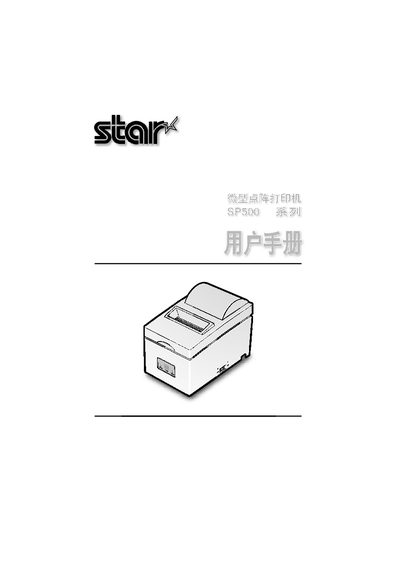
The SP500 dot matrix printer is a bi‑directional, 9‑pin printer designed for electronic devices such as point‑of‑sale terminals, banking systems and computer peripherals. It supports both parallel and serial interfaces and includes a buffer that allows data to be received while printing.
The manual covers unpacking, placement, safety precautions, wiring of serial and parallel cables, power connection, ribbon and paper installation, control‑panel indicators, troubleshooting, adjustment modes, and detailed specifications such as print speed, paper dimensions and power requirements. This manual is written in Chinese.
| Print speed | ≈4 lines/second |
|---|---|
| Print width | 63 mm (10‑dot) / 60 mm (200‑dot) / 45 mm (150‑dot) |
| Paper width | 76 mm ±0.5 mm (3.0 in) / 57.5 mm ±0.5 mm (2.25 in) |
| Power input | 100‑240 V AC, 50/60 Hz |
| Operating temperature | 0 °C – +40 °C |
Insert the RS‑232C cable into the rear serial port of the printer and tighten the two side screws.
The printer accepts general roll paper or non‑carbon copy paper with a width of 76 mm ± 0.5 mm (or 57.5 mm ± 0.5 mm).