
The Southco R4-EM Electronic Rotary Latch product leaflet provides specifications, dimensions, mounting options, and operation details for the…
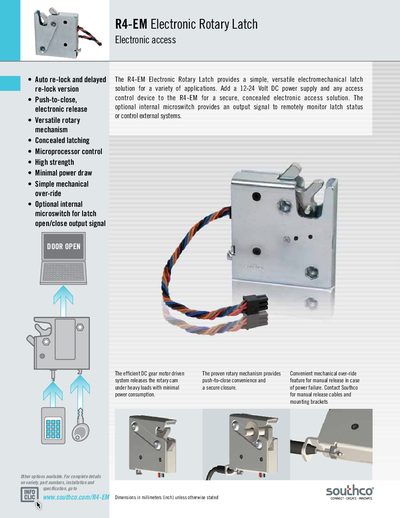
The R4-EM Electronic Rotary Latch is an electromechanical latch that offers push‑to‑close, electronic release, and microprocessor control. It is available in indoor and outdoor versions, with options such as auto‑re‑lock, delayed re‑lock, internal microswitch, and sealed actuator for IP56 protection.
The leaflet lists mechanical dimensions, material finishes, electrical specifications, and part numbers. It also describes mounting styles (¼‑20, M6, thru‑hole), optional connectors, and wiring details, helping users select the correct configuration for their application.
| Recommended Operating Voltage | 12 to 24 Volt DC |
|---|---|
| Typical Operating Current (no load) | Less than 600 mA at 12 VDC |
| Input Signal Current Draw | 25 mA max at 24 VDC |
| Microswitch Rating | 3 A max at 12 VDC |
| Overall Length (example size) | 69.0 mm |
It operates on a 12 V to 24 V DC power supply.
The typical operating current is less than 600 mA at 12 VDC.
Yes, an optional internal microswitch provides an output signal and is rated 3 A at 12 VDC.
Mounting holes are provided for ¼‑20, M6, or Ø7.0 mm through‑hole configurations.