
This Soundcore VR P10 earphones user manual explains Bluetooth and dongle pairing, charging, touch controls, resetting, and product specifications.
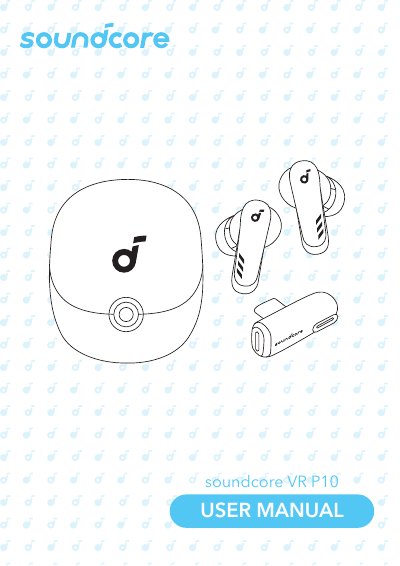
The Soundcore VR P10 wireless earphones connect to devices through Bluetooth or a USB-C dongle, including VR headsets, game consoles, PCs, and mobile devices. This user manual covers power on/off, Bluetooth and dongle pairing, how to wear the earphones, charging the earbuds and case, and using the Soundcore app.
It also describes touch controls for music and calls, mono and stereo modes, connecting two devices at once, and using the earphones while charging. The manual includes reset steps for the earphones and dongle, dongle storage in the case, and specifications such as Bluetooth 5.2, an 11 mm dynamic driver, IPX4 water resistance for the earphones, and 63 mAh earbud and 550 mAh case batteries. This manual is written in Japanese.
| Input | 5 V 0.5 A |
|---|---|
| Rated output | 5 V 0.4 A (0.2 A per port) |
| Battery capacity | 63 mAh × 2 (earphones); 550 mAh (charging case) |
| Charging time | About 2 hours |
| Playtime (Bluetooth) | Up to 5.5 hours |
| Total playtime with case (Bluetooth) | 22 hours |
| Total playtime with case (dongle) | 24 hours |
| Frequency response | 20 Hz – 20 kHz |
| Water resistance | IPX4 (earphones only) |
| Bluetooth version | Bluetooth 5.2 |
| Bluetooth range | 15 m |
| Dongle range | 6 m |
Return both earphones to the case, leave it open, and press and hold the button on the back of the case for 10 seconds until the LED flashes red three times.
Yes, use a USB PD charger with 9 V/2 A or higher output; the USB-C cable does not support data transmission.
Playtime is up to 5.5 hours on Bluetooth (22 hours with the case) or up to 6 hours with the dongle (24 hours with the case).