
This manual provides operating instructions, troubleshooting guides, and specifications for the Sony ICD-U50/U60/U70 digital voice recorders.
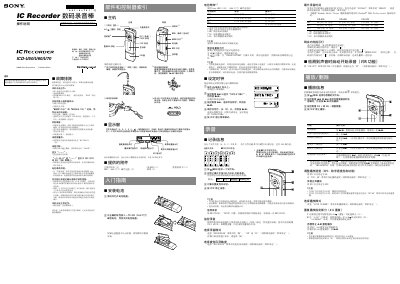
The document serves as a user guide for the Sony ICD-U50, U60, and U70 digital voice recorders. It details how to install batteries, set the clock, and operate various recording modes including HQ, SP, LP, and MP3 playback.
Key operational features covered include Voice Operated Recording (VOR), Digital Playback Control (DPC) for speed adjustment, A-B repeat functionality, and microphone sensitivity settings. The manual also explains how to manage folders containing up to 495 messages total across five folders. This manual is written in Chinese.
The battery life is approximately 13 hours in standard playback mode or 19 hours in long-play mode when playing through stereo headphones at medium volume.
Each of the five folders can store up to 99 messages, allowing for a total capacity of 495 messages across all folders.
To set the clock, hold down the /MENU button for more than 1 second until the menu mode is entered.