
SonicWall TZ Series Quick Start Guide

This manual provides quick start instructions for installing, connecting, and configuring SonicWall TZ270/TZ370/TZ470 security devices.
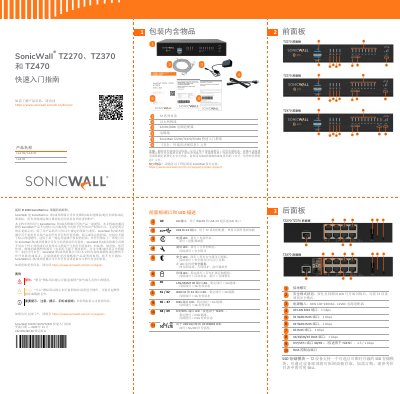

SonicWall TZ Series Quick Start Guide - cover page
Brand
SonicWALL
Document type
User Manual
Language
Chinese
Pages
2
File format
PDF
File size
1.6 MB
Published
25 October, 2026
Updated
25 October, 2026
MD5 checksum
FDC5DE748D9903CF796ED33837E8F380

About this manual

This document serves as a Quick Start Guide for the SonicWall TZ270, TZ370, and TZ470 series of network security appliances. It details the contents included in the package, describes the front and rear panel ports and LED indicators, and outlines installation options including rack mounting. This manual is written in Chinese.

What's inside

  • Package Contents
  • Front Panel Description
  • Rear Panel Description
  • Installation Options
  • Connecting Power
  • Local Management
  • Cloud Management
  • SonicExpress App

Frequently asked questions

How do you enter Safe Mode on the device?

Press and hold the Safe Mode button until the Test LED starts flashing.

Which ports are used for WAN connections?

The X1 and X2 RJ45 ports are designated as WAN ports.

Download PDF (1.6 MB)

More SonicWALL Manuals


View all SonicWALL manuals →