
The SSL 2+ User Guide provides setup, operation, and troubleshooting instructions for the Solid State Logic SSL 2+ USB audio interface.
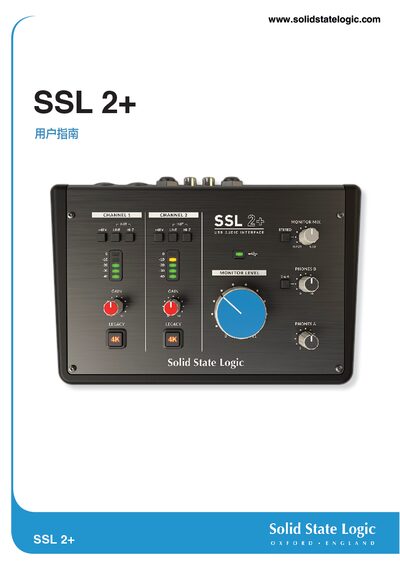
The SSL 2+ is a USB‑powered audio interface that delivers studio‑grade input and output quality. It works on macOS without drivers and on Windows with the SSL USB ASIO/WDM driver.
The guide covers unpacking, connecting the device, registering the product, configuring your DAW, and detailed specifications, plus safety and troubleshooting information.
| Sample Rate | 48 kHz |
|---|---|
| Frequency Response (mic input) | ± 0.1 dB |
| Dynamic Range (mic input) | 110.5 dB |
| THD+N (mic input) | < 0.0015 % |
| Maximum Input Level (mic) | +5.5 dBu |
Check the monitor volume knob; when it is fully left you only hear the input source, and when fully right you hear playback from your DAW.
No, the SSL 2+ is powered entirely by the USB connection to the computer; the green USB LED indicates proper power.