
Key facts
- Manuals
- 2
- Languages
- EN
- Last added
- 2026-09-29
Featured Solid State Logic manuals
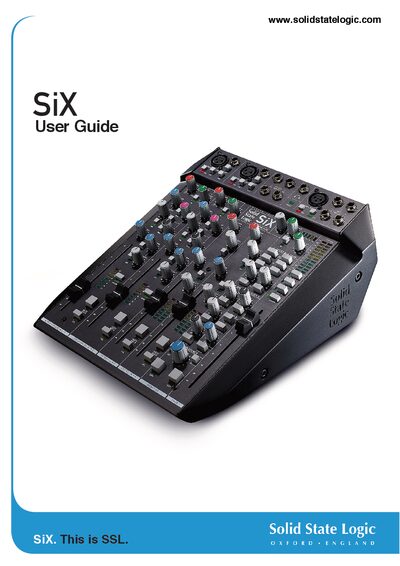
Solid State Logic SiX User Manual
The SSL SiX is a compact, studio‑grade mixing console that delivers professional audio performance in a small form factor. This manual covers unpacking, safety, power management, detailed channel descriptions, routing options, and application examples to help users get the most out of the console.
The guide includes a full table of contents, performance specifications, connector pinouts, block diagrams, and a troubleshooting section, making it a comprehensive reference for both new and experienced users.
Covers: Introduction · Unpacking · Safety Notices · Heat & Ventilation and Rack Mounting · Console Overview · Channel EQ and Compressor
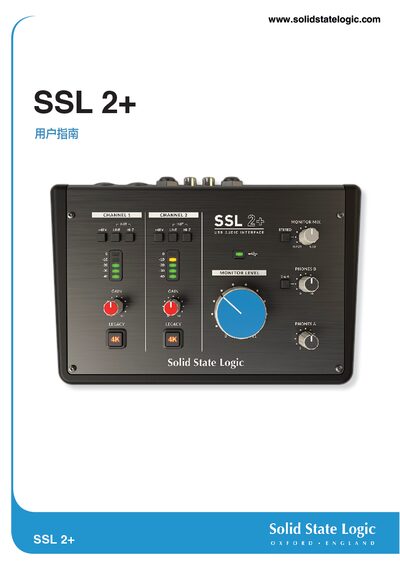
Solid State Logic SSL 2+ User Guide
The SSL 2+ is a USB‑powered audio interface that delivers studio‑grade input and output quality. It works on macOS without drivers and on Windows with the SSL USB ASIO/WDM driver.
The guide covers unpacking, connecting the device, registering the product, configuring your DAW, and detailed specifications, plus safety and troubleshooting information.
Covers: Overview · Getting Started · Installation · Features · Specifications · Safety Notices
Latest Solid State Logic manuals
Solid State Logic SiX User Manual
User Manual 42 pages · 14.4 MB · ENThe SSL SiX User Manual provides setup, operation, specifications, and troubleshooting for the compact studio‑grade mixing console.
Solid State Logic SSL 2+ User Guide
User Manual 31 pages · 4.6 MB · ENThe SSL 2+ User Guide provides setup, operation, and troubleshooting instructions for the Solid State Logic SSL 2+ USB audio interface.
Which document do I need?
User Manual
Day-to-day operation, settings and troubleshooting. Start here if the product is already set up.
Questions answered in Solid State Logic manuals
What is the operating temperature range for the SiX?
The console operates from +1 °C to 30 °C and can be stored between -20 °C and 50 °C.
Why is there no sound when I use the SSL 2+?
Check the monitor volume knob; when it is fully left you only hear the input source, and when fully right you hear playback from your DAW.
Do I need an external power supply for the SSL 2+?
No, the SSL 2+ is powered entirely by the USB connection to the computer; the green USB LED indicates proper power.