
User manual for SolaHD SSW uninterruptible power supply with installation, operation, diagnostics, and technical specifications.
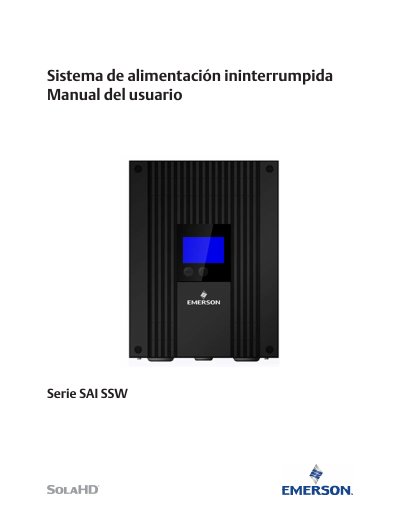
This user manual provides instructions for installing, operating, and troubleshooting the SolaHD SSW uninterruptible power supply. It covers safety precautions, setup procedures, LCD diagnostics, battery replacement, and technical specifications. The SSW series is designed for industrial and commercial use with features like automatic voltage regulation (AVR), battery backup, and remote monitoring via UPSwatch software.
The manual includes diagrams for terminal connections, step-by-step setup, and troubleshooting guides. Optional accessories like the SNMP card (for SSW1500 models) are described with installation instructions. Safety warnings are emphasized, including proper ventilation, grounding, and avoiding water exposure. This manual is written in Spanish.
| Input Voltage Range | Not specified in text |
|---|---|
| Output Voltage | Not specified in text |
| Battery Backup | Not specified in text |
| Automatic Voltage Regulation | Yes |
| Software Compatibility | Windows 7, 8, 10; Windows 2008, 2012, 2016; Linux OpenSUSE 11.4; Linux Ubuntu 10.04; Linux Fedora 3.1.9, 5.8; Citrix XenServer 6.0.0; Linux KVM |
Press the power button for 2 seconds to turn on the unit. The LCD will display 'on'.
Press the power button for 2 seconds to turn off the unit. The LCD will display 'off'.
The UPSwatch software is compatible with Windows 7, 8, 10; Windows 2008, 2012, 2016; Linux OpenSUSE 11.4; Linux Ubuntu 10.04; Linux Fedora 3.1.9, 5.8; Citrix XenServer 6.0.0; Linux KVM.