
Installation and use guide for the SnapAV SM-SWIVEL-S Strong universal swivel mount for small displays.
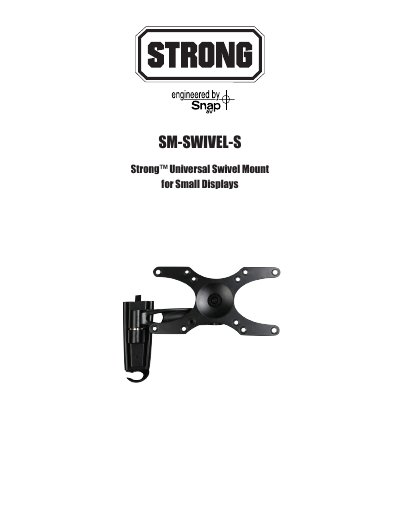
The SnapAV SM-SWIVEL-S Strong is a universal swivel mount designed for small displays. It supports VESA 75x75, 100x100, and 200x100 mounting patterns and holds displays up to 33 lbs (15 kg).
This manual provides installation instructions for drywall and concrete walls, hardware contents, tools required, and steps for attaching the mount to a display. It also covers final assembly, tilt and swivel adjustment, cable management, and the 10-year limited warranty.
| Maximum Load | 33 lbs (15 kg) |
|---|---|
| Mounting Pattern | VESA 75x75, 100x100, 200x100 |
| Tilt Range | +/- 13.8° |
| Pan/Swivel Range | 180° |
| Horizontal Rotation | 360° |
| Extension/Profile | 3.7” to 9.4” (9.5 cm to 24 cm) |
The maximum load is 33 lbs (15 kg).
It supports VESA 75x75, 100x100, and 200x100.
The mount has a 10-Year Limited Warranty.