
Key facts
- Manuals
- 1
- Languages
- EN
- Last added
- 2026-11-23
Featured SnapAV manuals
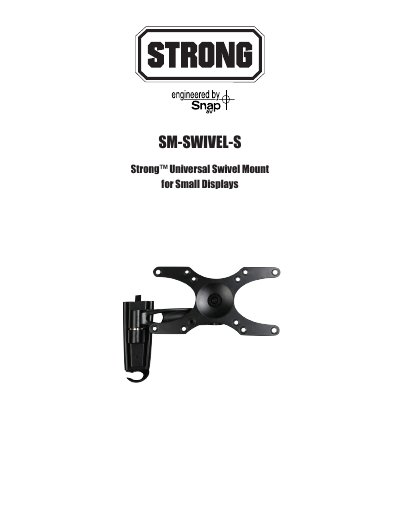
SnapAV SM-SWIVEL-S Universal Swivel Mount User Manual
The SnapAV SM-SWIVEL-S Strong is a universal swivel mount designed for small displays. It supports VESA 75x75, 100x100, and 200x100 mounting patterns and holds displays up to 33 lbs (15 kg).
This manual provides installation instructions for drywall and concrete walls, hardware contents, tools required, and steps for attaching the mount to a display. It also covers final assembly, tilt and swivel adjustment, cable management, and the 10-year limited warranty.
Covers: Specifications · Box Contents · Warnings · Tools Required · Installation · Attaching the Mount to the Display
Latest SnapAV manuals
SnapAV SM-SWIVEL-S Universal Swivel Mount User Manual
User Manual 4 pages · 328 KB · ENInstallation and use guide for the SnapAV SM-SWIVEL-S Strong universal swivel mount for small displays.
Which document do I need?
User Manual
Day-to-day operation, settings and troubleshooting. Start here if the product is already set up.
Questions answered in SnapAV manuals
What is the maximum weight the mount can hold?
The maximum load is 33 lbs (15 kg).
Which VESA mounting patterns does the mount support?
It supports VESA 75x75, 100x100, and 200x100.