
Installation guide for the SIS SIS-914 Puerto Rico Service / Inspection System Analyzer, listing parts, accessories, tools, and setup steps.
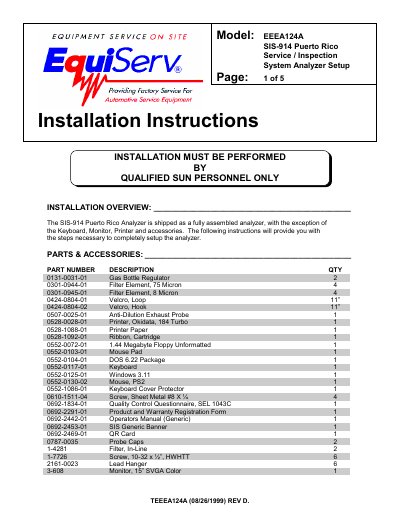
The SIS-914 Puerto Rico Service / Inspection System Analyzer is shipped fully assembled except for the keyboard, monitor, printer, and accessories. This document provides the steps necessary to completely set up the analyzer.
Installation must be performed by qualified SUN personnel only. It includes a parts and accessories list, required tools, and 43 numbered installation steps covering unpacking, peripheral connections, and final documentation.
Installation must be performed by qualified SUN personnel only.
The analyzer is shipped fully assembled except for the keyboard, monitor, printer, and accessories.
Completely fill out the questionnaire and mail it according to the instructions printed on the form.