
SilverStone FARA 312 Installation Guide

Installation guide for the SilverStone FARA 312 high‑airflow mATX gaming chassis.
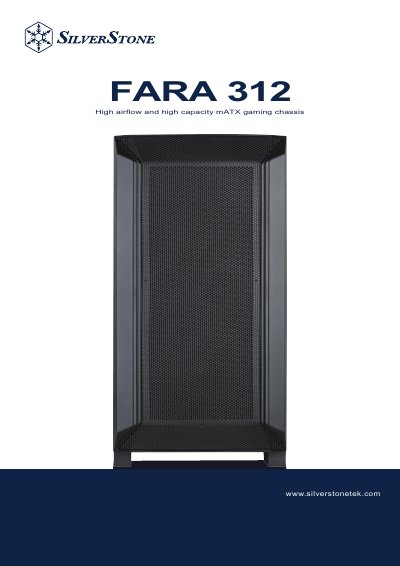

SilverStone FARA 312 Installation Guide - cover page
Brand
SilverStone
Category
Other Computer Accessories
Document type
Installation Guide
Language
English
Pages
31
File format
PDF
File size
37.7 MB
Published
01 October, 2026
Updated
01 October, 2026
MD5 checksum
3AECD56A84C140BB7D482EA15126B726

About this manual

This guide provides step‑by‑step instructions for installing the SilverStone FARA 312 chassis, including removal of side panels, mounting the motherboard, power supply, graphics card, and drive cages. It also lists the accessory content and component restrictions for proper assembly.

The document includes warranty terms and conditions, contact information for regional support, and details on the two possible positions for the drive cage. Multilingual safety notices and warranty cards are provided for global customers.

What's inside

  • Accessory Content
  • Installation Guide
  • Component Restrictions
  • Mounting for 2.5" SSD
  • Mounting for Motherboard
  • Mounting for PSU, HDD & Graphics Card
  • Drive Cage Installation
  • Warranty Terms & Conditions

Frequently asked questions

How many positions are available for installing the drive cage?

There are two positions to install the drive cage.

Where can I find the warranty terms and conditions for this chassis?

The warranty terms and conditions are listed in the “Warranty terms & conditions” section of the guide.

What is the model code used for this chassis in the documentation?

The model code shown in the documentation is SST‑FA312‑BG.

Download PDF (37.7 MB)

More SilverStone Manuals


View all SilverStone manuals →