
Key facts
- Manuals
- 2
- Languages
- EN
- Last added
- 2026-10-01
Featured SilverStone manuals
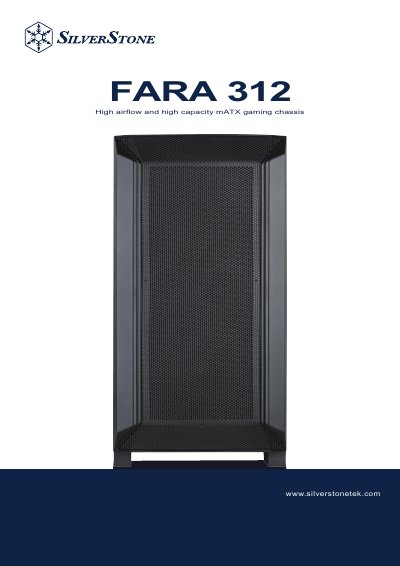
SilverStone FARA 312 Installation Guide
This guide provides step‑by‑step instructions for installing the SilverStone FARA 312 chassis, including removal of side panels, mounting the motherboard, power supply, graphics card, and drive cages. It also lists the accessory content and component restrictions for proper assembly.
The document includes warranty terms and conditions, contact information for regional support, and details on the two possible positions for the drive cage. Multilingual safety notices and warranty cards are provided for global customers.
Covers: Accessory Content · Installation Guide · Component Restrictions · Mounting for 2.5" SSD · Mounting for Motherboard · Mounting for PSU, HDD & Graphics Card
Latest SilverStone manuals
SilverStone FARA 312 Installation Guide
Installation Guide 31 pages · 37.7 MB · ENInstallation guide for the SilverStone FARA 312 high‑airflow mATX gaming chassis.
SILVERSTONE GD05 Grandia SERIES Manual
Which document do I need?
Installation Guide
Mounting, wiring and first power-up. Read it before the hardware goes in.
Questions answered in SilverStone manuals
How many positions are available for installing the drive cage?
There are two positions to install the drive cage.
Where can I find the warranty terms and conditions for this chassis?
The warranty terms and conditions are listed in the “Warranty terms & conditions” section of the guide.