
User guide for Silicon Laboratories' HID-USB-to-IR-RD reference design, covering kit contents, software download, hardware interface, and PuzzleSwipe…
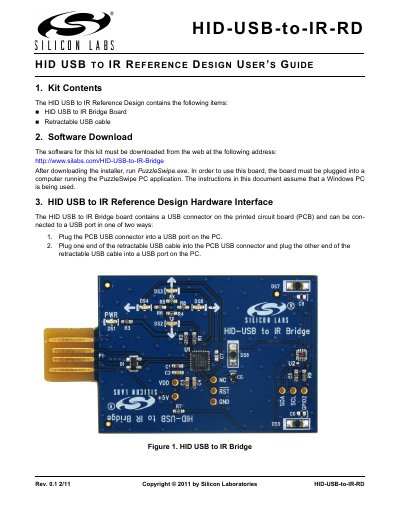
This document provides instructions for using the HID-USB-to-IR-RD reference design kit. It details the hardware components, including the bridge board and IR LEDs, and explains how to install and operate the PuzzleSwipe Windows application. The guide covers USB connection methods, board orientation settings, and gesture detection functionality using the Si1143 sensor and CP2112 bridge chip.
The manual also includes technical specifications for the board’s power and interface connections, along with references to related application notes for the CP2112 and Si1143 components. It concludes with contact information and legal disclaimers from Silicon Laboratories. This manual is written in Chinese.
| USB Connector | P1 USB connector for USB interface |
|---|---|
| Power Supply | 5 V VBUS signal on USB connector |
Download and run the PuzzleSwipe.exe application from the provided URL; it requires a Windows PC.
Select the correct board orientation by clicking Settings → Board Orientation, then click OK after adjusting the arrows to match your board’s orientation.