
This user manual provides installation, operation, manual and automatic control instructions for the Silicon Home offline dust removal control cabinet.
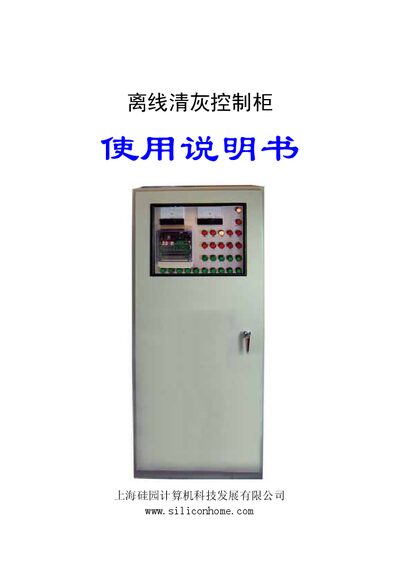
The manual describes the installation method for the offline dust removal control cabinet, including base preparation, spacing requirements, mounting, wiring, and verification steps. It also explains the layout of the control panel, indicator lights, and button functions.
Operational procedures cover manual control of individual rooms and pulse valves, maintenance (repair) mode, and fully automatic operation. Parameter settings for pulse interval, pulse width, and display mode are also provided, along with wiring diagrams for panels, relays, outputs, and solenoid valves. This manual is written in Chinese.
Ensure the power switch is on, the “检修/手动” button is in the off (repair) position, and no rooms are in repair mode; the cabinet will then start automatic control after power‑on.