
Installation guide for the SIIG 6.2A 4-Port USB desk charger, providing setup instructions and technical specifications.
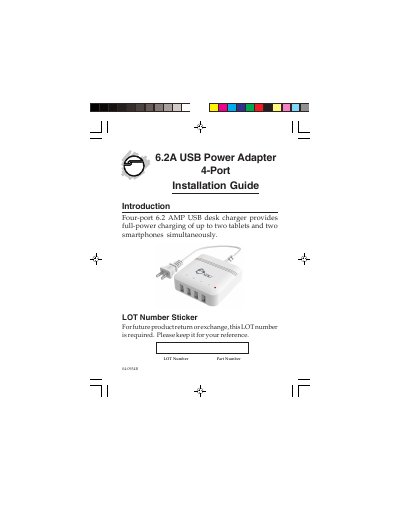
The SIIG 6.2A USB Power Adapter - 4-Port is a desk charger designed to provide full-power charging for up to two tablets and two smartphones simultaneously.
This guide covers the package contents, installation steps, and technical specifications, as well as information regarding the manufacturer's one-year warranty and technical support.
| AC input | 100-240V/50-60Hz |
|---|---|
| Output | DC5V, 6.2A Max (total output capacity) |
| Ports | 4 USB Type A (Two 5V/2.1A and two 5V/1A) |
Insert the AC power cord into the adapter, plug it into a 110V-240V wall outlet, verify the red LED is lit, and plug in your USB cables.
SIIG provides a 1-year manufacturer warranty covering defects in materials or workmanship.