
User manual for the SIIG CV-005B Mini Component to HDMI Converter, featuring YPbPr to HDMI conversion and S/PDIF audio insertion.
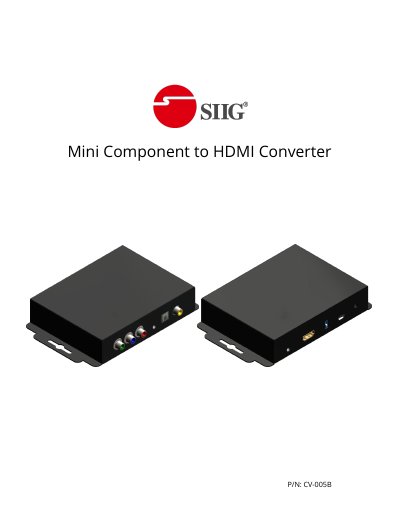
The SIIG CV-005B Mini Component to HDMI Converter is designed to convert legacy YPbPr video formats to HDMI. It allows users to combine asynchronous video and audio sources by supporting S/PDIF audio insertion via either RCA or TOSLINK connectors into the HDMI output.
This device is HDMI 1.2 compliant and HDCP 1.2 compatible. It features a metal enclosure and is USB firmware upgradable to ensure continued compatibility with evolving HDMI standards.
| HDMI Compliance | HDMI 1.2 |
|---|---|
| Maximum Resolution | 1080p @30 / 1080i @60 |
| Digital Video Bandwidth | 2.2Gbps |
| Analog Video Bandwidth | 74.25 MHz |
| Power Supply | 5V 0.85A DC |
| Dimensions | 125 x 165 x 28mm |
| Weight | 485g |
Users can enable or disable HDCP support for the HDMI output using the built-in 1-pin DIP switch.
S/PDIF supports only a 48kHz audio sample rate; other rates must be adjusted to 48kHz for correct signal transmission.
Orange indicates power is on but no active signal is detected, while Green indicates both power and an active signal are detected.