
User manual for the SIGMA BC 16.16 STS bicycle computer, covering installation, operation, settings, and troubleshooting.
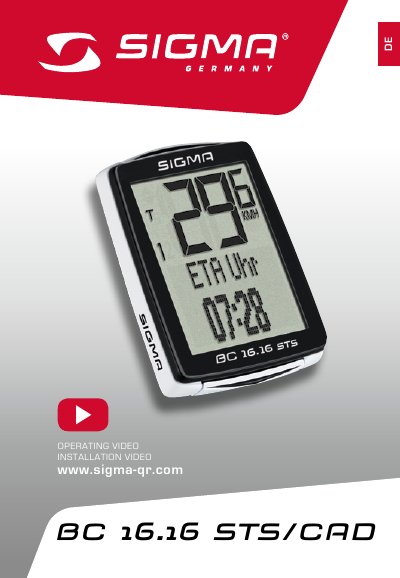
This manual provides step-by-step instructions for installing and operating the SIGMA BC 16.16 STS bicycle computer. It covers display functions, button controls, speed and cadence sensors, and settings for units, language, and trip data. The device features an intuitive menu system with two buttons for navigation and includes options for ETA timer, fuel savings, and dual-wheel compatibility.
The manual also explains how to adjust display contrast, sync sensors, and reset total trip values. Technical specifications and troubleshooting tips are included for maintenance and error resolution. This manual is written in German.
| Max Speed | 199 km/h or 124 mph |
|---|---|
| Temperature Range | -20°C to +70°C (-4°F to +158°F) |
| Trip Distance | up to 9999.99 km or miles |
| Trip Time | up to 99:59:59 HH:MM:SS |
Use the BIKE button to switch between wheel 1 and wheel 2 settings, as described on page 44.
Press and hold the BIKE + MENU buttons simultaneously for a short press to start or stop the ETA timer.