
This document is the user manual for SIGMA Photo Pro, which introduces the usage and precautions of this specialized software for SIGMA digital cameras.
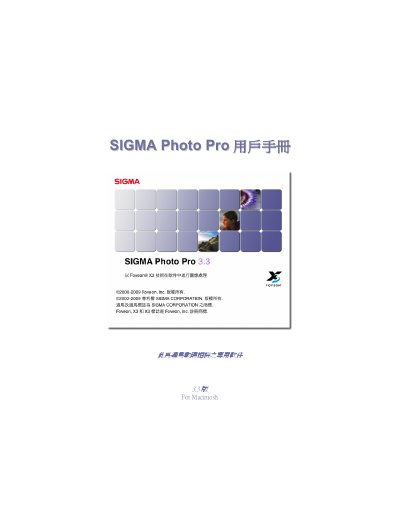
This manual explains how to install and set up Sigma Photo Pro 2.0 on a Macintosh computer, connect compatible Sigma digital cameras, and configure display settings. It also describes the main window layout, image transfer, and basic workflow for editing and managing photos.
Detailed sections cover image editing functions such as exposure, color correction, white‑balance adjustment for X3F files, as well as printing options, slide‑show creation, and exporting images in TIFF or JPEG formats. This manual is written in Chinese.
| Supported file formats | X3F, TIFF, JPEG |
|---|
Press the Print button in the main or view window, then adjust print settings in the dialog that appears before printing.
Images can be saved as TIFF or JPEG files from the X3F source.