
Software user manual for SIASUN GCR20-1100 and GCR14-1400 collaborative robots, covering startup, interface, scripting and communication.
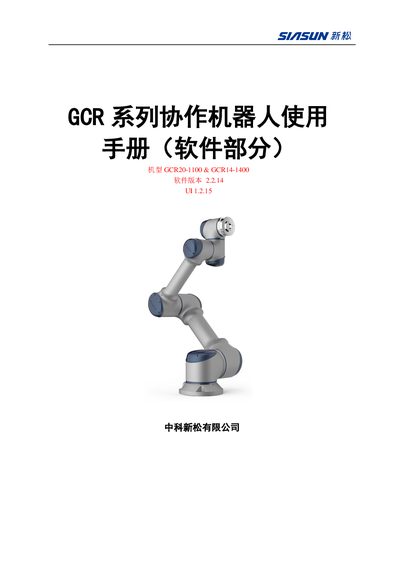
This manual provides the software operating guide for the SIASUN GCR20-1100 and GCR14-1400 collaborative robots. It describes how to power the system, navigate the seven interface pages, and configure robot parameters such as coordinate systems and load settings.
The document also details robot script programming, including MOVE, FUNCTIONS, SOCKET tags, and built‑in functions. It explains the external communication interfaces, especially Modbus commands for reading and writing signals, and provides example code snippets for debugging and integration. This manual is written in Chinese.
| Software version | 2.2.14 UI 1.2.15 |
|---|---|
| Robot models | GCR20-1100, GCR14-1400 |
| Power input | 220 V AC |
| Initial end load | 0 kg |
Connect a 220 V AC supply, press the system switch, then press the power‑on button and wait for the interface to appear.
Click the “坐标系” button and select the desired base, tool or user coordinate system.
Use the function modbus_read(string signal_name); it returns the node value as an integer.