
Key facts
- Manuals
- 1
- Languages
- ZH
- Last added
- 2026-10-01
Featured SIASUN manuals
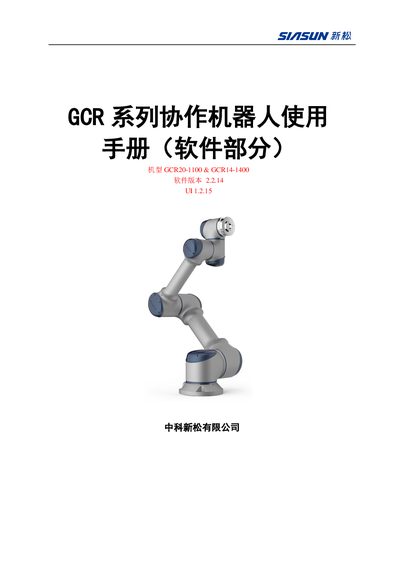
SIASUN GCR20-1100 & GCR14-1400 Collaborative Robot Software User Manual
This manual provides the software operating guide for the SIASUN GCR20-1100 and GCR14-1400 collaborative robots. It describes how to power the system, navigate the seven interface pages, and configure robot parameters such as coordinate systems and load settings.
The document also details robot script programming, including MOVE, FUNCTIONS, SOCKET tags, and built‑in functions. It explains the external communication interfaces, especially Modbus commands for reading and writing signals, and provides example code snippets for debugging and integration. This manual is written in Chinese.
Covers: Introduction · Power On/Off · Interface Overview · Robot Script Programming · External Communication Interface · Script Function Description
Latest SIASUN manuals
SIASUN GCR20-1100 & GCR14-1400 Collaborative Robot Software User Manual
User Manual 77 pages · 3.8 MB · ZHSoftware user manual for SIASUN GCR20-1100 and GCR14-1400 collaborative robots, covering startup, interface, scripting and communication.
Which document do I need?
User Manual
Day-to-day operation, settings and troubleshooting. Start here if the product is already set up.
Questions answered in SIASUN manuals
How do I power on the robot?
Connect a 220 V AC supply, press the system switch, then press the power‑on button and wait for the interface to appear.
From: SIASUN GCR20-1100 & GCR14-1400 Collaborative Robot Software User Manual
How can I change the coordinate system?
Click the “坐标系” button and select the desired base, tool or user coordinate system.
From: SIASUN GCR20-1100 & GCR14-1400 Collaborative Robot Software User Manual