
The Shimax MAC3 Instruction Manual provides safety guidelines, installation, wiring, operation, and troubleshooting for the MAC3 digital controller.
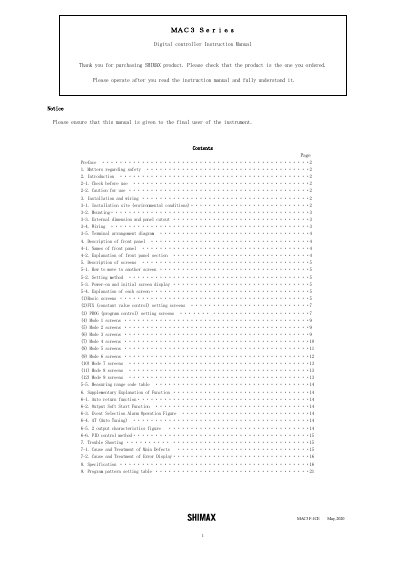
This manual is intended for users who install, wire, operate, and maintain the Shimax MAC3 digital controller used in industrial facilities. It covers safety precautions, environmental limits, mounting, wiring diagrams, front‑panel description, screen navigation, and troubleshooting procedures.
Key sections include safety notices, installation and wiring instructions, detailed front‑panel and screen descriptions, function explanations (PID, auto‑tuning, soft‑start), a troubleshooting guide, and a specification table for the various MAC3 models (A, B, C, D).
| Power supply voltage | 90 - 264V AC |
|---|---|
| Output current range | 4-20mA DC |
| Fuse rating | 250V AC 0.5A |
| Operating temperature range | -10 °C to 55 °C |
| Maximum humidity | 90 %RH |
| Size (MAC3A model) | 96 × 96 mm |
Install a fuse in the power circuit, provide a switch or breaker to turn off power, and follow IEC127 requirements for fusing and insulation.
Press the ENTRY/REGISTER () key for three seconds to change the output mode, then use the UP or DOWN keys to adjust the value.
Use the MENU () key; pressing it moves to the next screen, and holding it for three seconds jumps to the lead screen of a mode.