
Key facts
- Manuals
- 2
- Languages
- EN · JA
- Last added
- 2026-10-03
Featured Shimax manuals
Shimax MAC3 Digital Controller Instruction Manual
This manual is intended for users who install, wire, operate, and maintain the Shimax MAC3 digital controller used in industrial facilities. It covers safety precautions, environmental limits, mounting, wiring diagrams, front‑panel description, screen navigation, and troubleshooting procedures.
Key sections include safety notices, installation and wiring instructions, detailed front‑panel and screen descriptions, function explanations (PID, auto‑tuning, soft‑start), a troubleshooting guide, and a specification table for the various MAC3 models (A, B, C, D).
Covers: Matters regarding safety · Introduction · Installation and wiring · Description of front panel · Description of screens · Supplementary Explanation of Function
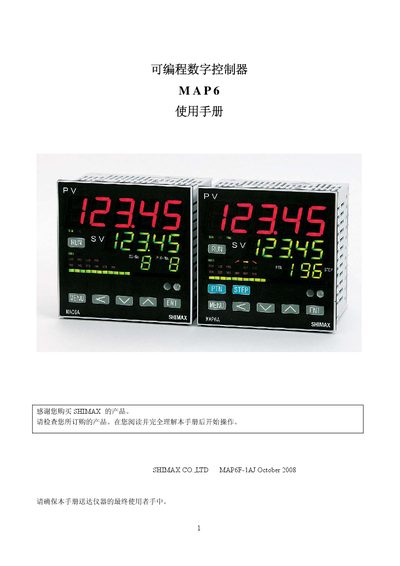
Shimax MAP6 Digital Controller User Manual
This manual describes the MAP6 digital controller’s safety precautions, installation steps, and wiring requirements. It explains the symbols used, protective measures such as fuses and grounding, and environmental limits for reliable operation.
The document also covers the controller’s functional features, parameter settings, input/output specifications, dimensions, and troubleshooting guidance for field service and maintenance. This manual is written in Japanese.
Covers: Safety Measures · Installation · Operation · Specifications · Wiring Diagram · Troubleshooting
Latest Shimax manuals
Shimax MAC3 Digital Controller Instruction Manual
User Manual 21 pages · 770 KB · ENThe Shimax MAC3 Instruction Manual provides safety guidelines, installation, wiring, operation, and troubleshooting for the MAC3 digital controller.
Shimax MAP6 Digital Controller User Manual
User Manual 82 pages · 4.3 MB · JAThe Shimax MAP6 digital controller user manual provides installation, wiring, safety, and operation instructions.
Which document do I need?
User Manual
Day-to-day operation, settings and troubleshooting. Start here if the product is already set up.
Questions answered in Shimax manuals
What safety precautions must be taken before using the MAC3 controller?
Install a fuse in the power circuit, provide a switch or breaker to turn off power, and follow IEC127 requirements for fusing and insulation.
How can the user switch a control output from automatic to manual?
Press the ENTRY/REGISTER () key for three seconds to change the output mode, then use the UP or DOWN keys to adjust the value.
What safety symbols are used in the manual?
The manual uses three symbols: “Warning” for hazards that could cause death or serious injury, “Caution” for hazards that could cause injury or damage, and “Note” for additional information.