
A simple operation guide for the Shimadzu UV-PROBE spectrophotometer software, covering spectrum measurement, photometric analysis, and kinetic modes.
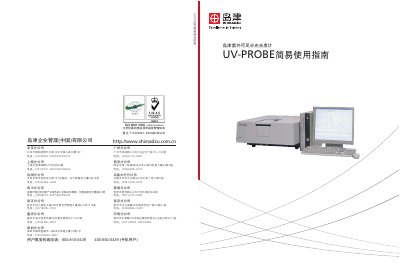
This document serves as a simple operation manual for the Shimadzu UV-PROBE spectrophotometer software. It is designed to help users familiarize themselves with the most basic operations of the software, including initial screen setup, device connection, and basic measurement procedures. The guide directs users to the random manual and online help for detailed information on the software's extensive functions. This manual is written in Chinese.
The system includes a spectral module for scanning and wavelength analysis, a photometric module for quantitative data, a kinetics module for time changes, and a report module.
The initialization process takes approximately 5 minutes.
Users should set the wavelength to 500nm before clicking the automatic zero button.