
This is the user guide for the Sena SR10 Bluetooth two-way radio intercom and hands-free mobile phone adapter, covering installation, pairing, and operation.
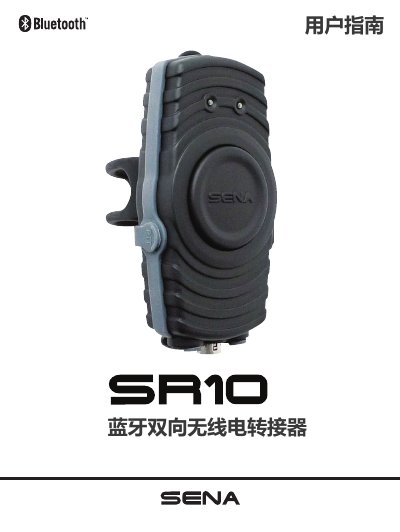
The Sena SR10 is a dual-channel Bluetooth 2.1+EDR radio intercom and hands-free mobile phone adapter. It allows users to connect two-way radios and Bluetooth headsets simultaneously, or use a headset with a mobile phone. The device features two auxiliary input ports for connecting non-Bluetooth devices like GPS units or radar detectors. This manual is written in Chinese.
| Bluetooth Version | 2.1+EDR |
|---|---|
| Battery Runtime | 12 hours |
| Standby Time | 10 days |
| Charging Time | 3.5 hours |
| Battery Type | Lithium Polymer |
| Dimensions | 108mm x 52mm x 29mm |
Press and hold both the Pairing Key and the PTT key simultaneously for about 1 second to turn it on or off.
It takes approximately 3.5 hours to fully charge the battery when the red LED is lit.
The red LED light will blink continuously to indicate low battery status.